iPhone Duo wallpaper size
Updated 2026-11-11
The iPhone Duo has two screens with two different shapes, so it needs two wallpaper sizes. Here are the exact numbers and where to keep your subject.
| Screen | Pixels | Orientation | Aspect |
|---|---|---|---|
| Cover screen (folded) | 1398 × 2034 | Portrait | 1 : 1.455 |
| Inner screen (open) | 2670 × 1878 | Landscape, held like a book | 1.422 : 1 |
| Inner screen, as Apple lists it | 1878 × 2670 | Portrait | 1 : 1.422 |
Why one image doesn't fit both
The cover screen is tall and narrow; the inner screen is nearly square and is usually used open, in landscape. Give iOS the same file for both and it crops each one differently, so whatever you cared about drifts or gets cut. A wallpaper made at the exact pixel size of each screen is shown as-is, with nothing scaled or trimmed.
Safe zones
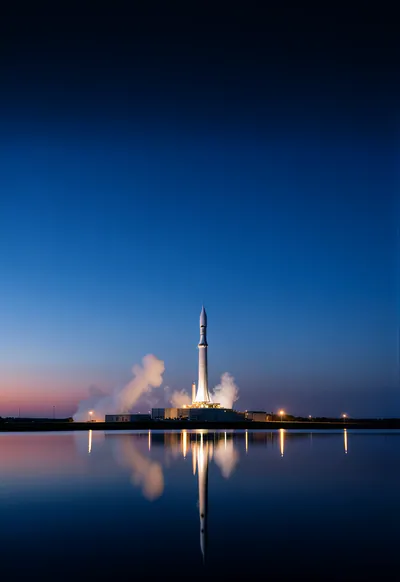
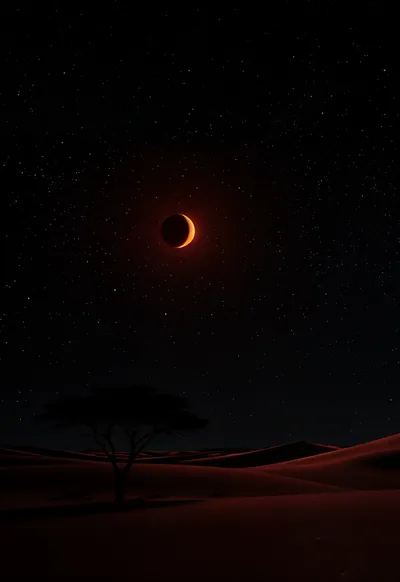
Cover screen: the clock and date sit in roughly the top quarter. Keep that area calm so the time stays readable, and keep the bottom ~12% clear of detail because the flashlight and camera buttons sit there.
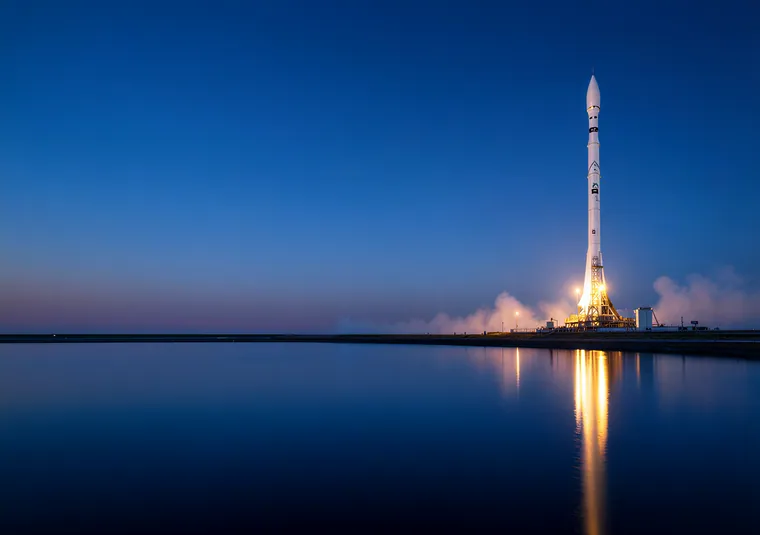
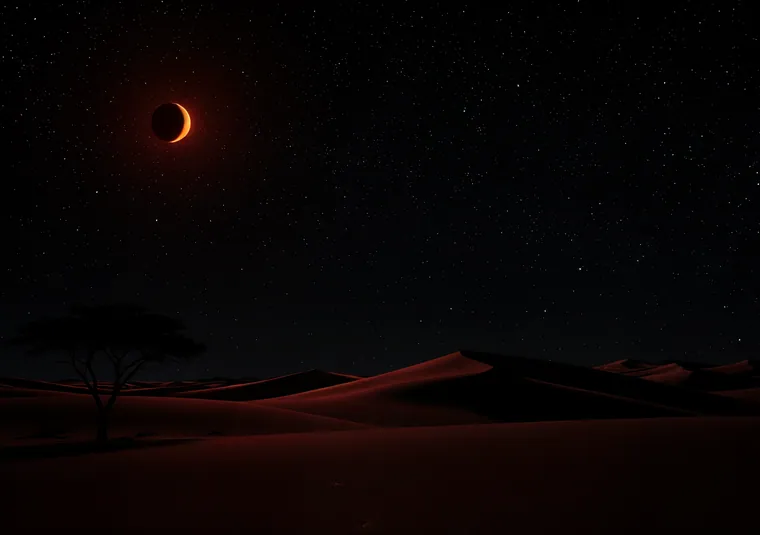
Inner screen: the fold runs down the middle, around x = 1300–1370 px of a 2670 px-wide image. A bright line or a face on the crease looks broken when the screen catches light. Put the subject to one side of the fold and let the crease cross sky, water or shadow.
File tips
Save both files to Photos before you start (a file in the Files app won't show up in the wallpaper picker). Don't pinch-zoom in the picker if the file is already the exact size: zooming in throws away resolution. Every UNFOLD set ships at exactly 1398×2034 (Lock, cover) and 2670×1878 (Home, inner).
Setting them up? See how to set a different wallpaper on each screen. Other phones: foldable wallpaper sizes.