Sunken Vault
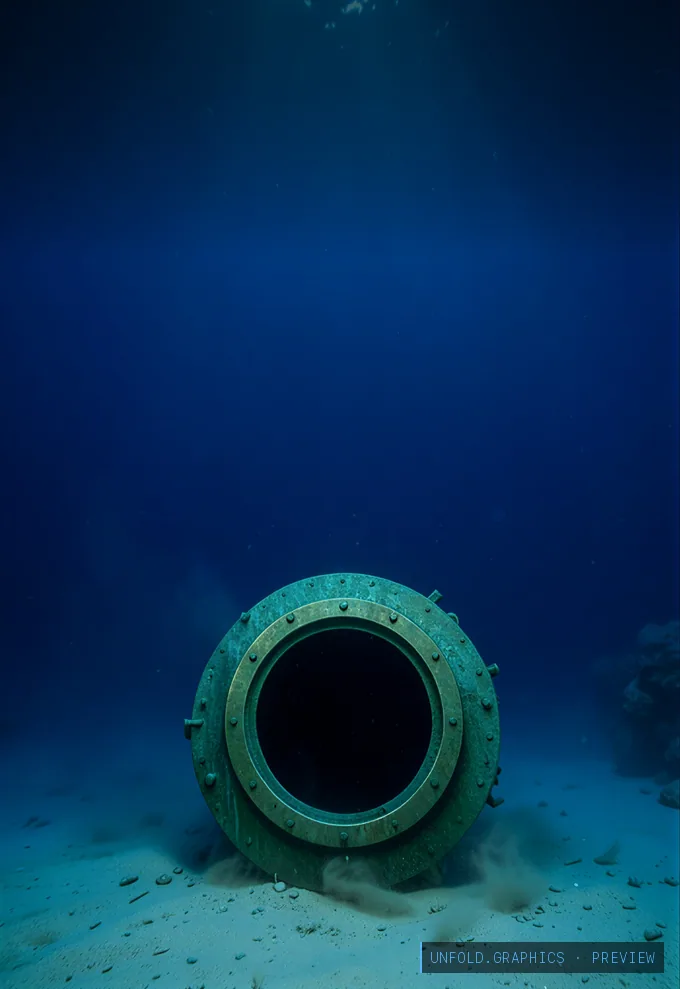
Swipe for the Lock screen →
One-time payment through Stripe. Downloads appear right here after paying. No account, no subscription. Already bought? Restore
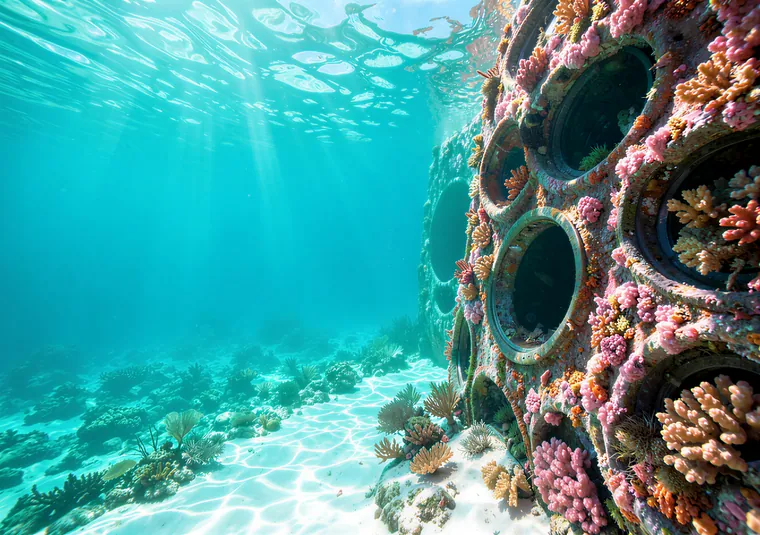
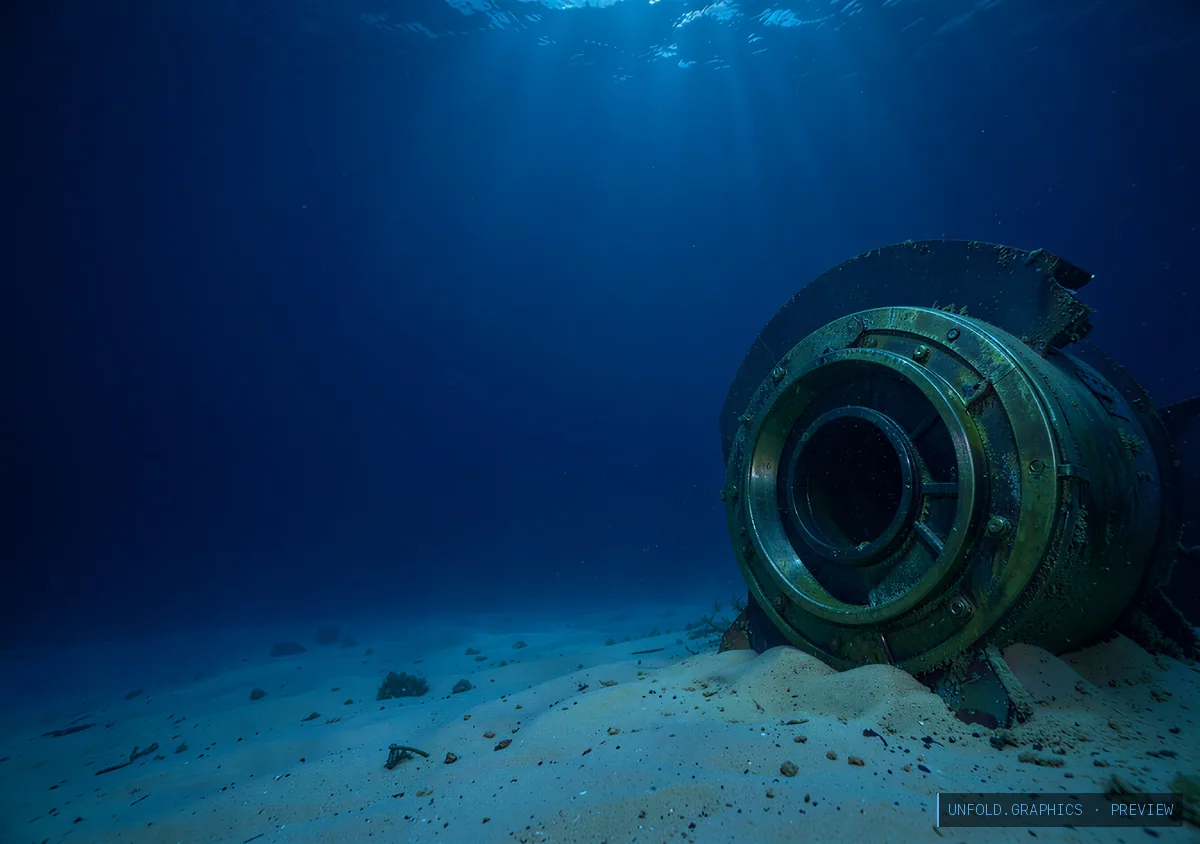
A circular bronze vault door ring and cylindrical archive bunker half buried on the seabed, deep blue water over pale sand with drifting silt and a few rays, at underwater dusk.
- Category
- Ocean
- Includes
- Home + Lock pair
- Home (inner)
- 2670 × 1878 px
- Lock (cover)
- 1398 × 2034 px
- Fits
- iPhone Duo at its exact native resolution (Lock 1398×2034 on the cover screen, Home 2670×1878 on the open inner screen). Also Galaxy Z Fold, Pixel Fold, OnePlus Open, Honor Magic V and other book-style foldables. The Lock image also fits any portrait phone.
How to set it
Unlock the set, download both files. On the phone: Settings → Wallpaper. Put Home on the inner (main) screen and Lock on the cover screen. The scene is composed so the subject sits beside the crease instead of being cut by it. Step by step: set a different wallpaper on each screen.